Anthropic Employees Use Claude Skills Like THIS (Copy Their System)
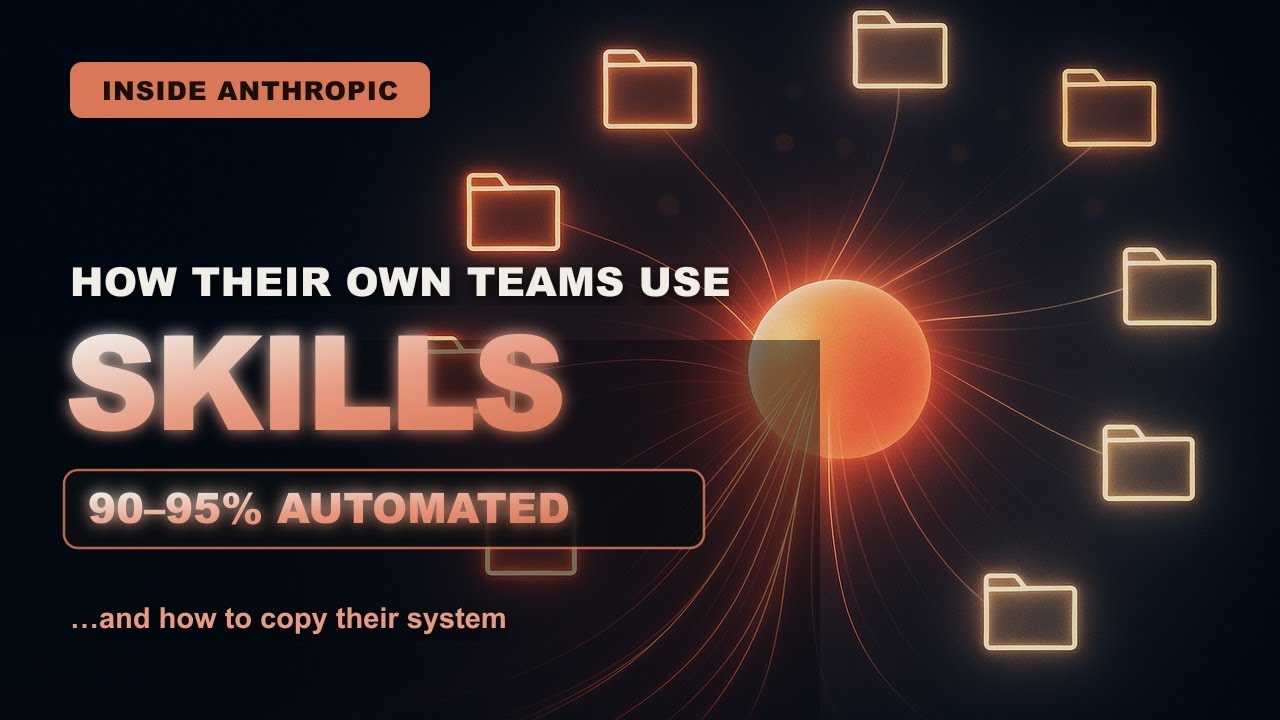
This video reverse-engineers how Anthropic's own finance, legal, and engineering teams use Claude Skills — 70+ finance skills including one that drafts the monthly financial review 90-95% complete — explaining the onboarding-guide mental model, three-level progressive disclosure, and a five-minute skill.md build you can copy.
AI strategy chooses where agents create durable leverage, then manages scope, adoption, risk, and measurable outcomes.
New playlist item from Hyperautomation Labs; queued for transcript-backed review, topic mapping, and a practical learning artifact.
Skill you build: The ability to convert procedures you repeatedly re-explain — reports, review rules, style guides — into Claude Skills that load automatically, so you review output instead of rebuilding it.
Watch for the shift from claim to mechanism. The learning value is the point where the transcript reveals a repeatable action, tool boundary, context move, review habit, or artifact.
Concept diagram
Where this video fits.
01Use case
02Workflow pain
03Agent role
04Adoption path
05Risk
06Metric
07Pilot
Deep lesson
Turn this video into working knowledge.
1,659 cleaned transcript words reviewed across 646 timed caption segments.
Thesis
Anthropic Employees Use Claude Skills Like THIS (Copy Their System) teaches a practical ai strategy move: This video reverse-engineers how Anthropic's own finance, legal, and engineering teams use Claude Skills — 70+ finance skills including one that drafts the monthly financial review 90-95% complete — explaining the onboarding-guide mental model, three-level progressive disclosure, and a five-minute skill.md build you can copy.
The goal is not to remember the video. The goal is to extract the operating principle, tie it to timestamped evidence, test how far the claim transfers, and make something reusable.
0:00
Onboarding guides, not prompts
“Anthropic just accidentally showed everyone the future of work. Their own finance team, the people who report the numbers to the board, quietly built over 70 custom Claude skills. And their CFO went on the record saying one...”
Anthropic's finance team built 70+ skills and CFO Krishna Rao says the MFR skill produces the monthly financial review 90-95% finished before a human looks; the key mental model is that a skill is an organized folder of instructions, scripts, and resources Claude loads on its own — like an onboarding guide written once, versus a prompt you retype every conversation. Pick the one report or document you rebuild on a schedule and draft its onboarding guide: exact sections, data sources, and format, as if training a new hire to produce it.
4:07
Clone your judgment
“the data sources, and the format. Now, you review and add judgment instead of rebuilding it from scratch every time. Next, the legal team. And this one is even more clever. Anthropic lawyer Mark Pike described writing a...”
Anthropic lawyer Mark Pike wrote a separate skill per practice area (employment, commercial, privacy), trained Claude on 10 of his own memos to match his voice, and shipped a self-service Slack review tool that flags marketing copy and contracts as low/medium/high risk with fixes — cutting legal turnaround from 2-3 days to about 24 hours. Take the rules you repeat constantly (brand guidelines, code standards, hiring bar) and write a review skill that takes any input and returns issues tagged with risk levels plus the fix.
9:03
Start absurdly small
“Take a report you rebuild on a schedule and turn it into a skill, so you review instead of rebuild. Two, the legal move. Take the rules and the style you repeat to everyone and turn them into...”
The closing checklist: (1) the finance move — turn a scheduled report into a skill so you review instead of rebuild; (2) the legal move — encode repeated rules as a risk-flagging review skill; (3) start with one folder, one skill.md, one task you're sick of re-explaining — paired with the warning that skills can run code, so only install them from trusted sources, like software. Create ~/.claude/skills/<name>/skill.md this week with a one-line 'when to use' description and plain-English instructions for a single annoying task, then trigger it both automatically and via slash command.
01
Use case
Start with this video's job: This video reverse-engineers how Anthropic's own finance, legal, and engineering teams use Claude Skills — 70+ finance skills including one that drafts the monthly financial review 90-95% complete — explaining the onboarding-guide mental model, three-level progressive disclosure, and a five-minute skill.md build you can copy. Treat "Use case" as the outcome you are trying to make visible, not a topic label. Anchor it to 0:00, where the video says: “Anthropic just accidentally showed everyone the future of work. Their own finance team, the people who report the numbers to the board, quietly built over 70 custom Claude skills. And their CFO went on the record saying one...”
02
Workflow pain
Use "Workflow pain" to locate the part of the ai strategy mechanism the video is demonstrating. Ask what changes in your real setup if this claim is true. Anchor it to 4:07, where the video says: “the data sources, and the format. Now, you review and add judgment instead of rebuilding it from scratch every time. Next, the legal team. And this one is even more clever. Anthropic lawyer Mark Pike described writing a...”
03
Agent role
Turn "Agent role" into the reusable artifact for this lesson: A one-page AI workflow decision memo with use case, leverage claim, risks, metric, and pilot plan. This is where watching becomes something you can inspect and reuse.
04
Adoption path
Use "Adoption path" as the application surface. Decide whether the idea touches a browser flow, a local file, a model choice, a source document, a UI, or a review step.
05
Risk
Use "Risk" to prove the lesson. The evidence should connect back to the video title, transcript anchors, and a concrete output, not a generic best-practice claim.
06
Metric
Use "Metric" to carry the idea forward: save the prompt, checklist, diagram, or operating rule that would make the next agent run better.
07
Pilot
Connect "Pilot" to Anthropic Employees Use Claude Skills Like THIS (Copy Their System) by naming the claim, the evidence, and the artifact it should produce.
Example
Source-backed artifact packet
Convert the video into a scoped artifact request that includes the transcript claim, mechanism, acceptance criteria, and proof. The output should be a one-page ai workflow decision memo with use case, leverage claim, risks, metric, and pilot plan..
Example
AI strategy proof brief
Separate what the speaker claims, what the demo actually proves, and what still needs outside verification before you adopt the ai strategy pattern.
Example
Teach-back module
Transform the lesson into a definition, a Use case -> Workflow pain -> Agent role -> Adoption path -> Risk -> Metric -> Pilot diagram, one misconception, one practice exercise, and a check-for-understanding question.
Do not learn it wrong
Treating the title as the lesson without checking what the transcript actually says.
hype laundering
market claims without operational proof
strategy with no pilot
Letting the lesson drift into generic AI business advice.
Letting the lesson drift into unsupported market forecasts.
Letting the lesson drift into no-risk adoption plans.
Do not count this as learned until these are true.
01
State the transcript-backed claim in your own words: This video reverse-engineers how Anthropic's own finance, legal, and engineering teams use Claude Skills — 70+ finance skills including one that drafts the monthly financial review 90-95% complete — explaining the onboarding-guide mental model, three-level progressive disclosure, and a five-minute skill.md build you can copy.
02
Explain the practical stakes without hype: New playlist item from Hyperautomation Labs; queued for transcript-backed review, topic mapping, and a practical learning artifact.
03
Map the idea onto the Use case -> Workflow pain -> Agent role -> Adoption path -> Risk -> Metric -> Pilot sequence and name the weakest link.
04
Produce the artifact and include the evidence that proves it: A one-page AI workflow decision memo with use case, leverage claim, risks, metric, and pilot plan.
Put it into practice
Give this grounded prompt to Codex or Claude after watching.
You are helping me turn one specific YouTube video into real, durable learning.

Source video:
- Title: Anthropic Employees Use Claude Skills Like THIS (Copy Their System)
- URL: https://www.youtube.com/watch?v=zTdjMfusSY8
- Topic: Creative Automation
- My current learning frame: Build one working skill end-to-end: a skill.md that injects live data (like a git diff) and formats output to your standard, test that Claude auto-loads it from a matching request, then share it as a project skill or zip upload the way Anthropic's teams share their repository.
- Why this matters: New playlist item from Hyperautomation Labs; queued for transcript-backed review, topic mapping, and a practical learning artifact.

Transcript anchors from this exact video:
- 0:00 / Evidence 1: "Anthropic just accidentally showed everyone the future of work. Their own finance team, the people who report the numbers to the board, quietly built over 70 custom Claude skills. And their CFO went on the record saying one..."
- 1:30 / Evidence 2: "A skill is written once. From then on, Claude already knows your format, your rules, your process, the way a trained employee would. You stop re-explaining yourself. That's the whole shift. The people getting huge results from Claude..."
- 4:07 / Evidence 3: "the data sources, and the format. Now, you review and add judgment instead of rebuilding it from scratch every time. Next, the legal team. And this one is even more clever. Anthropic lawyer Mark Pike described writing a..."
- 5:40 / Evidence 4: "Step back and you see the pattern across every team. Nobody at Anthropic is winning by typing cleverer prompts. They are taking the procedures locked in their heads, the way a report is built, the way a memo..."
- 7:26 / Evidence 5: "bullets and flag anything risky." Save it. Now, you either just ask "What did I change?" and Claude loads it automatically, or you type {slash} the skills name to run it on demand. Personal skills live in dot..."
- 9:03 / Evidence 6: "Take a report you rebuild on a schedule and turn it into a skill, so you review instead of rebuild. Two, the legal move. Take the rules and the style you repeat to everyone and turn them into..."
- 10:34 / Evidence 7: "guides linked below. My Claude code guide, my OpenAI Codex guide, the Claude for sales playbook, and my certification prep kit built for people who want to get genuinely dangerous with this. Comment your favorite Anthropic skill. Subscribe..."

Video-aware target:
- Prompt lane: AI strategy
- Mechanism to extract: Separate strategic signal from launch noise by identifying the workflow change and the evidence needed to trust it.
- Artifact to produce: A one-page AI workflow decision memo with use case, leverage claim, risks, metric, and pilot plan.
- Artifact must include: use case; workflow change; risk; metric; pilot scope

Your task:
1. Use the transcript anchors above as the primary source packet. If you add outside context, label it clearly as outside context and keep it secondary.
2. Create a source-check table with columns: timestamp, claim, transcript support, what the demo proves, confidence, and what still needs verification.
3. Extract the actual teachable mechanism from the video: Separate strategic signal from launch noise by identifying the workflow change and the evidence needed to trust it. Do not invent claims that are not supported by the title, lesson frame, or transcript anchors.
4. Build a reusable learning artifact: A one-page AI workflow decision memo with use case, leverage claim, risks, metric, and pilot plan.
5. Include:
   - a plain-English definition of the core idea
   - a diagram or structured model using this sequence: Use case -> Workflow pain -> Agent role -> Adoption path -> Risk -> Metric -> Pilot
   - answers to these source questions: What work changes? | Who benefits? | What evidence would make the claim decision-grade?
   - 3 concrete examples that apply the video idea to real agentic work, such as agent pilot memo; skill-library adoption plan; model-release triage note
   - 2 failure modes the video helps prevent, chosen from the transcript evidence and these likely risks: hype laundering; market claims without operational proof; strategy with no pilot
   - a checklist for the next real workflow, focused on: workflow, leverage, risk, metric, pilot
   - one practical exercise with a clear done signal: Convert one strategy claim into a two-week pilot with a measurable done signal.
6. Add a "learning transfer" section: what changes in my workflow tomorrow if I actually learned this?
7. Add a "source check" section that cites which transcript anchor supports each major takeaway.

Quality bar:
- Make this specific to "Anthropic Employees Use Claude Skills Like THIS (Copy Their System)", not a generic Creative Automation essay.
- Tie each strategic claim to transcript anchors, then label any market/news context that is not proven by the video.
- Prefer operational examples, failure modes, and reusable artifacts over broad definitions.
- Call out uncertainty instead of smoothing over weak evidence.
- Avoid these generic drifts: generic AI business advice; unsupported market forecasts; no-risk adoption plans.
- If evidence is weak or missing, stop and say what transcript segment or timestamp needs review instead of guessing.
- Finish with a concise artifact I could paste into my learning app.
Misconceptions
What to stop believing.
Creative AI removes the need for taste.
It increases the need for taste because output volume explodes.
The best prompt is enough.
References, critique, iteration, and post-production matter just as much.
Practice studio
Learning only counts when you make something.
01
Transcript evidence map
Separate what the video actually says from what you already believe about the topic.
3 source-backed takeaways with timestamps, confidence, and a transfer note.02
One useful artifact
Apply the video to a real workflow and produce a one-page ai workflow decision memo with use case, leverage claim, risks, metric, and pilot plan..
A reusable artifact with a done signal and one verification step.03
AI strategy teach-back card
Explain the ai strategy mechanism to someone who has not watched the video yet.
A 90-second explanation, one diagram, one example, and one misconception to avoid.
Recall check
Answer first, then reveal — without rewatching.
What is progressive disclosure and why can Anthropic's finance team install 70+ skills without overloading Claude?
How did Anthropic's legal team turn their expertise into a company-wide tool, and what was the impact?
What safety warning does the video give about installing skills?
Source shelf
Use the video as a doorway, then verify with primary sources.