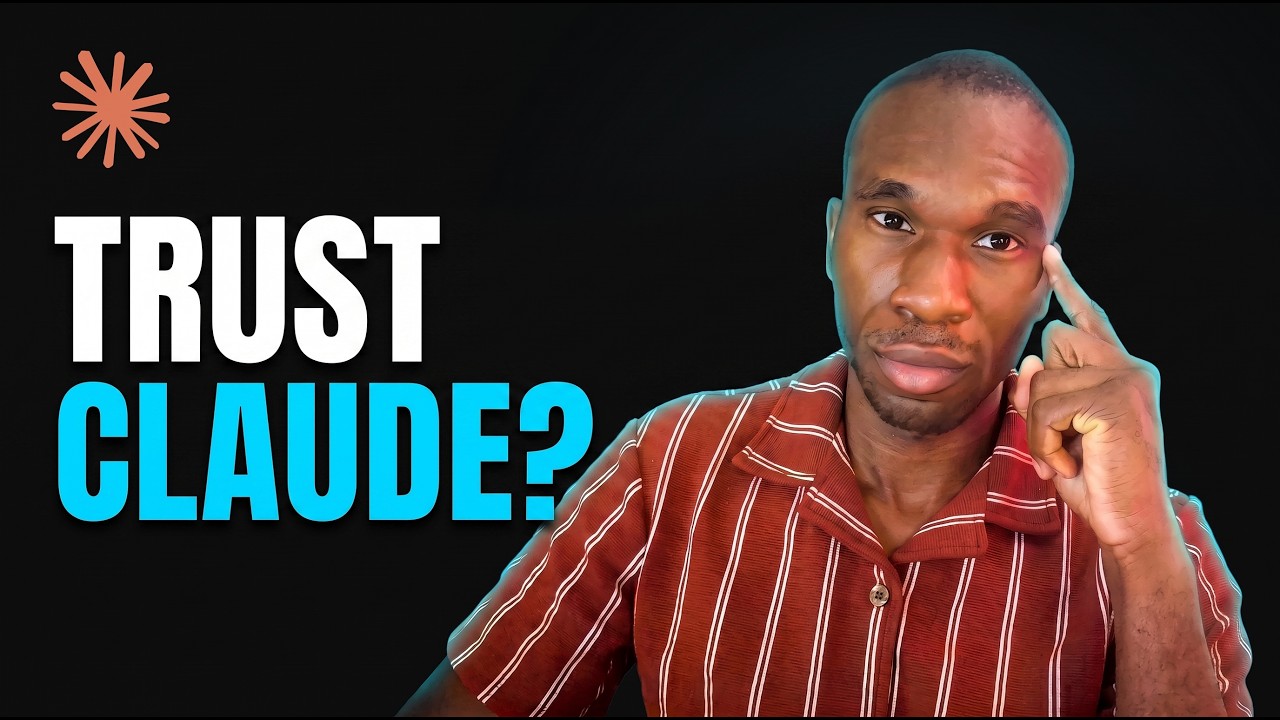
Andy Madrick - Why AI changed design handoff forever
Notion designer Andy Madrick walks Dive Club through his AI-assisted workflow — iterating in Figma, mocking prototypes in Notion's code playground, and feeding sketched keyframes and screenshots to LLMs like Composer and Opus to own the last mile of design in code. It teaches how design-engineer collaboration shifts when designers ship PRs and where human taste still has to lead.
Dive Club 🤿53 minTranscript found
Quick learning frame
Read this before watching.
A design-system lesson is about making visual taste reusable through tokens, components, examples, constraints, and review loops.
New playlist item from Dive Club 🤿; queued for transcript-backed review, topic mapping, and a practical learning artifact.
Skill you build: The ability to collaborate with engineers by owning the last 15-20% of front-end craft in code — shipping small reviewable PRs — while using LLMs as translation layers rather than one-shotting whole features.
Watch for the shift from claim to mechanism. The learning value is the point where the transcript reveals a repeatable action, tool boundary, context move, review habit, or artifact.
Concept diagram
Where this video fits.
01Reference
02Tokens
03Components
04Usage rules
05Agent prompt context
06Implementation
07Visual QA
Deep lesson
Turn this video into working knowledge.
10,636 cleaned transcript words reviewed across 3,028 timed caption segments.
Thesis
Andy Madrick - Why AI changed design handoff forever teaches a practical design system move: Notion designer Andy Madrick walks Dive Club through his AI-assisted workflow — iterating in Figma, mocking prototypes in Notion's code playground, and feeding sketched keyframes and screenshots to LLMs like Composer and Opus to own the last mile of design in code. It teaches how design-engineer collaboration shifts when designers ship PRs and where human taste still has to lead.
The goal is not to remember the video. The goal is to extract the operating principle, tie it to timestamped evidence, test how far the claim transfers, and make something reusable.
0:14
Own the last mile
“>> >> flawless. That engineer, Rob, and I were both like, "This is so sick." I now have the skills, using these tools, to do most of the front end, and then ship PRs that I can get...”
Madrick argues LLMs are not good at the last mile of design, so that has to stay the designer's superpower: engineers bring a feature up to 80-90%, and designers own the final outcome — he says designers have no excuse anymore not to be responsible for the visual changes they want to see. Take a feature that's roughly 80% built and list the specific last-mile polish details (spacing, motion, states) only you as the designer would catch and finish.
25:31
Small reviewable PRs
“a code diff right now? Like the fundamental approach that you took is wrong." And it doesn't matter how many little Claude and Codex reviews you had, this is wrong. So now more of the review is actually...”
Madrick's rule of thumb: don't make an engineer spend more time reading a PR than you spent making it — so as a designer without full engineering training, finesse a tiny five-line or roughly hundred-line PR you can review yourself rather than vibe-coding a 500-line diff you never read, because that just creates an awkward conversation. Take a change you'd hand an engineer and split it into PRs small enough that you can personally read and defend every line before sending it.
35:56
No shortcut to taste
“creative, super super articulate people. But sometimes they're not available. And like last year I was like the only designer, right? So I have to like use these tools in a different way. I love seeing what Claude,...”
Pushed on how designers avoid generic AI output, Madrick says there is no shortcut to having taste or a high-craft, high-velocity practice; AI gives shortcuts to producing things, but you still have to discover and learn the language of visual design through repetitions, using restraint to take limitless UI and make something restrained. Generate a UI with an LLM, then practice restraint by manually trimming it down — remove gradients, tags, and effects until only the essential, differentiated design remains.
01
Reference
Start with this video's job: Notion designer Andy Madrick walks Dive Club through his AI-assisted workflow — iterating in Figma, mocking prototypes in Notion's code playground, and feeding sketched keyframes and screenshots to LLMs like Composer and Opus to own the last mile of design in code. It teaches how design-engineer collaboration shifts when designers ship PRs and where human taste still has to lead. Treat "Reference" as the outcome you are trying to make visible, not a topic label. Anchor it to 0:14, where the video says: “>> >> flawless. That engineer, Rob, and I were both like, "This is so sick." I now have the skills, using these tools, to do most of the front end, and then ship PRs that I can get...”
02
Tokens
Use "Tokens" to locate the part of the design system mechanism the video is demonstrating. Ask what changes in your real setup if this claim is true. Anchor it to 25:31, where the video says: “a code diff right now? Like the fundamental approach that you took is wrong." And it doesn't matter how many little Claude and Codex reviews you had, this is wrong. So now more of the review is actually...”
03
Components
Turn "Components" into the reusable artifact for this lesson: A design-system adoption brief with source references, tokens/components, agent handoff rules, and visual QA checks. This is where watching becomes something you can inspect and reuse.
04
Usage rules
Use "Usage rules" as the application surface. Decide whether the idea touches a browser flow, a local file, a model choice, a source document, a UI, or a review step.
05
Agent prompt context
Use "Agent prompt context" to prove the lesson. The evidence should connect back to the video title, transcript anchors, and a concrete output, not a generic best-practice claim.
06
Implementation
Use "Implementation" to carry the idea forward: save the prompt, checklist, diagram, or operating rule that would make the next agent run better.
07
Visual QA
Connect "Visual QA" to Andy Madrick - Why AI changed design handoff forever by naming the claim, the evidence, and the artifact it should produce.
Example
Source-backed artifact packet
Convert the video into a scoped artifact request that includes the transcript claim, mechanism, acceptance criteria, and proof. The output should be a design-system adoption brief with source references, tokens/components, agent handoff rules, and visual qa checks..
Example
Design system proof brief
Separate what the speaker claims, what the demo actually proves, and what still needs outside verification before you adopt the design system pattern.
Example
Teach-back module
Transform the lesson into a definition, a Reference -> Tokens -> Components -> Usage rules -> Agent prompt context -> Implementation -> Visual QA diagram, one misconception, one practice exercise, and a check-for-understanding question.
Do not learn it wrong
Treating the title as the lesson without checking what the transcript actually says.
copying visuals without rules
generic generated UI
no visual QA screenshot pass
Letting the lesson drift into generic design inspiration.
Letting the lesson drift into component lists without usage rules.
Letting the lesson drift into no screenshot review.
Do not count this as learned until these are true.
01
State the transcript-backed claim in your own words: Notion designer Andy Madrick walks Dive Club through his AI-assisted workflow — iterating in Figma, mocking prototypes in Notion's code playground, and feeding sketched keyframes and screenshots to LLMs like Composer and Opus to own the last mile of design in code. It teaches how design-engineer collaboration shifts when designers ship PRs and where human taste still has to lead.
02
Explain the practical stakes without hype: New playlist item from Dive Club 🤿; queued for transcript-backed review, topic mapping, and a practical learning artifact.
03
Map the idea onto the Reference -> Tokens -> Components -> Usage rules -> Agent prompt context -> Implementation -> Visual QA sequence and name the weakest link.
04
Produce the artifact and include the evidence that proves it: A design-system adoption brief with source references, tokens/components, agent handoff rules, and visual QA checks.
Put it into practice
Give this grounded prompt to Codex or Claude after watching.
You are helping me turn one specific YouTube video into real, durable learning.

Source video:
- Title: Andy Madrick - Why AI changed design handoff forever
- URL: https://www.youtube.com/watch?v=IfPK0LwbX_0
- Topic: Interfaces + Open Design
- My current learning frame: Design a small feature end to end: iterate quickly, have an LLM scaffold the front end, then own the last 15% yourself and finesse it into a PR small enough to review line by line before handing it off.
- Why this matters: New playlist item from Dive Club 🤿; queued for transcript-backed review, topic mapping, and a practical learning artifact.

Transcript anchors from this exact video:
- 0:14 / Evidence 1: ">> >> flawless. That engineer, Rob, and I were both like, "This is so sick." I now have the skills, using these tools, to do most of the front end, and then ship PRs that I can get..."
- 6:44 / Evidence 2: "designer, there's so much value in being able to write within the context of where it would exist, and yet they're doing everything in code now, and so they didn't have this. Really, really cool what you built..."
- 9:45 / Evidence 3: "mean, like I think with a lot of this motion design stuff, coding tools are so good at executing it, but you have to be very, very descriptive about what you want, otherwise you're going to be fighting..."
- 11:30 / Evidence 4: "involving the canvas, too, like that full pipeline is neat. It's neat. We have to build our own workflows for each other in these organizations. Giving people the tools to make really strong decisions is the strongest thing..."
- 25:31 / Evidence 5: "a code diff right now? Like the fundamental approach that you took is wrong." And it doesn't matter how many little Claude and Codex reviews you had, this is wrong. So now more of the review is actually..."
- 35:56 / Evidence 6: "creative, super super articulate people. But sometimes they're not available. And like last year I was like the only designer, right? So I have to like use these tools in a different way. I love seeing what Claude,..."
- 41:20 / Evidence 7: "world and like getting into the nitty-gritty and understanding like the keyframes of a certain animation. It still is worthwhile to me. I know, I like that a lot, actually. Like recreating interactions. You need the visual design..."

Video-aware target:
- Prompt lane: Design system
- Mechanism to extract: Extract how the video turns visual references or component systems into usable constraints for agents.
- Artifact to produce: A design-system adoption brief with source references, tokens/components, agent handoff rules, and visual QA checks.
- Artifact must include: references; tokens/components; handoff artifact; implementation rule; visual QA

Your task:
1. Use the transcript anchors above as the primary source packet. If you add outside context, label it clearly as outside context and keep it secondary.
2. Create a source-check table with columns: timestamp, claim, transcript support, what the demo proves, confidence, and what still needs verification.
3. Extract the actual teachable mechanism from the video: Extract how the video turns visual references or component systems into usable constraints for agents. Do not invent claims that are not supported by the title, lesson frame, or transcript anchors.
4. Build a reusable learning artifact: A design-system adoption brief with source references, tokens/components, agent handoff rules, and visual QA checks.
5. Include:
   - a plain-English definition of the core idea
   - a diagram or structured model using this sequence: Reference -> Tokens -> Components -> Usage rules -> Agent prompt context -> Implementation -> Visual QA
   - answers to these source questions: What design source is reused? | How is it translated into agent context? | What review catches generic output?
   - 3 concrete examples that apply the video idea to real agentic work, such as Figma-to-shadcn workflow; design.md brief; UI reference library remix
   - 2 failure modes the video helps prevent, chosen from the transcript evidence and these likely risks: copying visuals without rules; generic generated UI; no visual QA screenshot pass
   - a checklist for the next real workflow, focused on: references, tokens, components, handoff, QA
   - one practical exercise with a clear done signal: Turn one screen reference into five constraints a coding agent must follow.
6. Add a "learning transfer" section: what changes in my workflow tomorrow if I actually learned this?
7. Add a "source check" section that cites which transcript anchor supports each major takeaway.

Quality bar:
- Make this specific to "Andy Madrick - Why AI changed design handoff forever", not a generic Interfaces + Open Design essay.
- Cite transcript anchors for every claim about design context, UI generation, preview, critique, or handoff.
- Prefer operational examples, failure modes, and reusable artifacts over broad definitions.
- Call out uncertainty instead of smoothing over weak evidence.
- Avoid these generic drifts: generic design inspiration; component lists without usage rules; no screenshot review.
- If evidence is weak or missing, stop and say what transcript segment or timestamp needs review instead of guessing.
- Finish with a concise artifact I could paste into my learning app.
Misconceptions
What to stop believing.
A beautiful page is automatically a good learning tool.
Learning requires sequence, active recall, feedback, and application.
Generated UI should be accepted as-is.
Generated UI needs critique, revision, and browser verification.
Practice studio
Learning only counts when you make something.
01
Transcript evidence map
Separate what the video actually says from what you already believe about the topic.
3 source-backed takeaways with timestamps, confidence, and a transfer note.02
One useful artifact
Apply the video to a real workflow and produce a design-system adoption brief with source references, tokens/components, agent handoff rules, and visual qa checks..
A reusable artifact with a done signal and one verification step.03
Design system teach-back card
Explain the design system mechanism to someone who has not watched the video yet.
A 90-second explanation, one diagram, one example, and one misconception to avoid.
Recall check
Answer first, then reveal — without rewatching.
According to Madrick, why must the last mile of design stay the designer's responsibility?
What is Madrick's rule of thumb for how large a designer's PR should be?
What does Madrick say is the only way to push past generic AI-generated design?
Source shelf
Use the video as a doorway, then verify with primary sources.